
No ice, less sweet, coffee away —
every order taken exactly as spoken
Dimorder is a QR ordering system built for Hong Kong dining. Guests scan a code and place their own order — preparation styles, extra portions and set-meal combos all handled to the letter. Orders reach the kitchen and the counter instantly, and every payment channel is wired up.
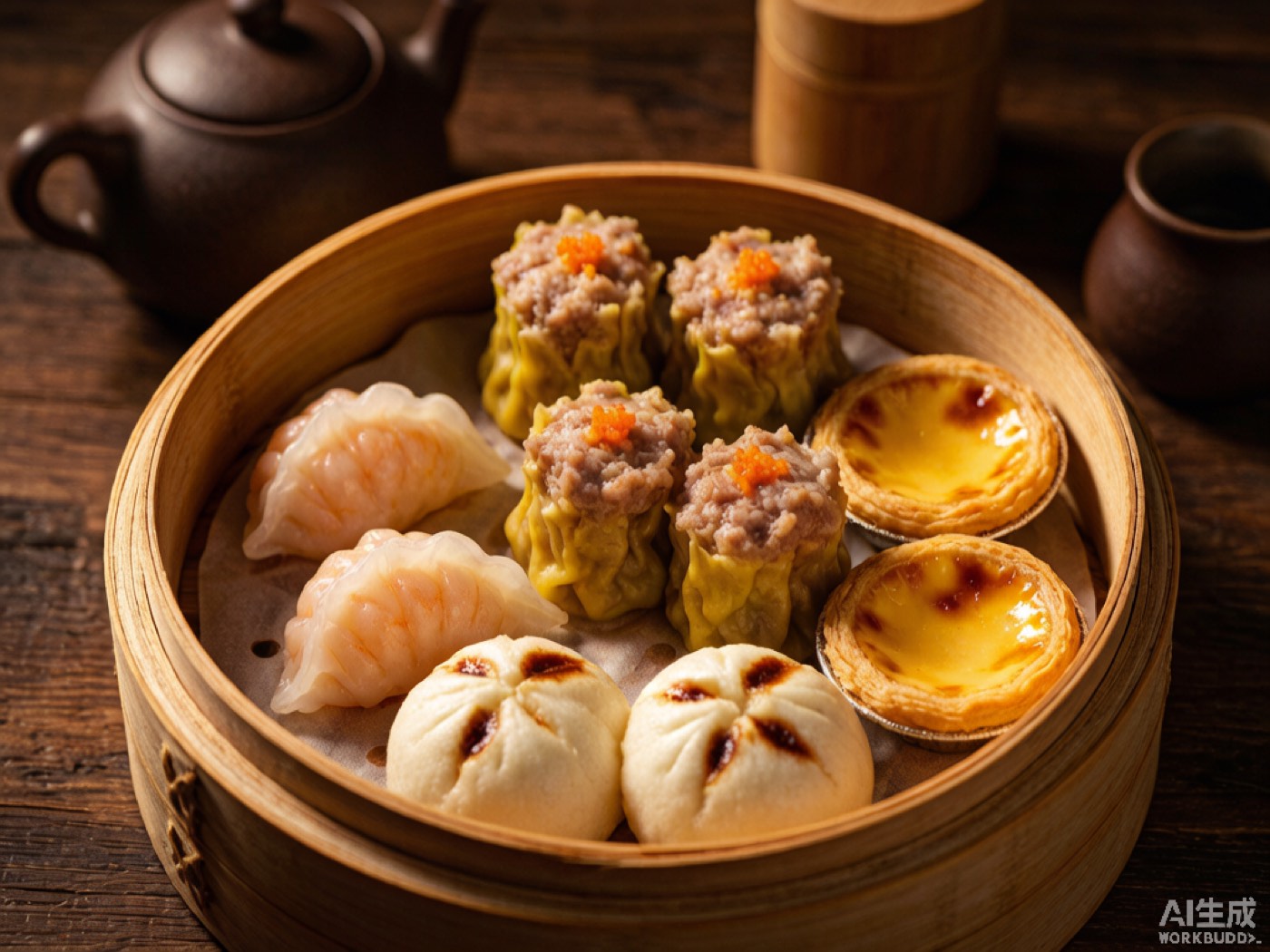
- ×2Silky Milk TeaIced · Less sweet$36
- ×1Pan-Fried FishMade to order$70
- ×1Pan-Fried Chicken SteakBlack pepper sauce$70
- ×1Napoleon Cheese Baked SpaghettiCrispy top$79
- ×1Hot CoffeeLess sweet$18
 SCAN TO ORDER
One ticket, from tabletop to cash collected
Stop relying on paper slips, shouted calls and memory. The same order runs the entire route inside the system automatically, with a record at every step.
Scan to order
Guests scan the table QR code or the Mini Program code and the menu opens instantly — no app download, no waiting for staff.
Guest · H5 / Mini ProgramOrdered the way regulars say it
Hot or iced, sweetness, noodle type, extra portions, set-meal combos — everything shows exactly as you configured it, and guests adjust to taste themselves.
Options · Set-meal logicOrdered, printed, done
The moment an order lands, the main ticket goes to the counter and split tickets go to the right kitchen printer, while the label printer stamps a big pickup number — never the wrong station.
Cloud printing · KDSEvery payment channel covered
WeChat Pay, FPS, Octopus, credit card — or settle the bill at the counter after ordering. Six payment channels supported.
Payments · Six channelsBig-screen calling
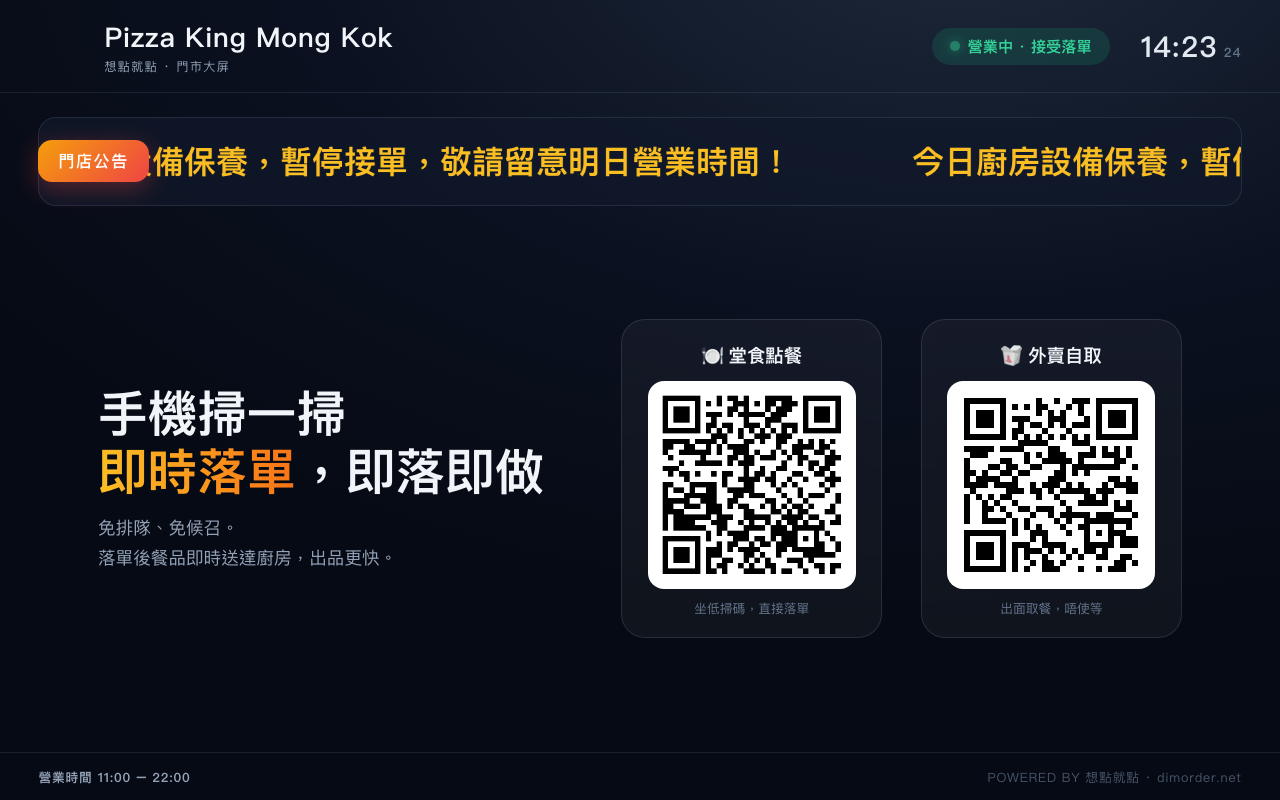
Takeaway orders are auto-assigned a pickup number, and the in-store screen shows "preparing / ready for pickup", so guests know exactly when to collect.
In-store screenScan to complete
At pickup, staff scan the verification code once and the order is closed — sales hit your reports instantly and the daily reconciliation balances itself.
Verification · ReportsOne system, five screens
From the phone in your guests' hands to the in-store POS, the kitchen display, the lobby TV, and your brand's head office and platform admin — one account, one set of numbers.
Guest QR ordering
A native WeChat Mini Program experience, plus an H5 version that opens with one tap. Dual codes on the table cover both dine-in and takeaway pickup.
- Options, add-ons and cross-category set-meal logic
- Items auto-greyed-out outside serving hours
- Separate takeaway prices, struck through against dine-in when higher
- Pickup number and order status visible in real time
Front-of-house POS
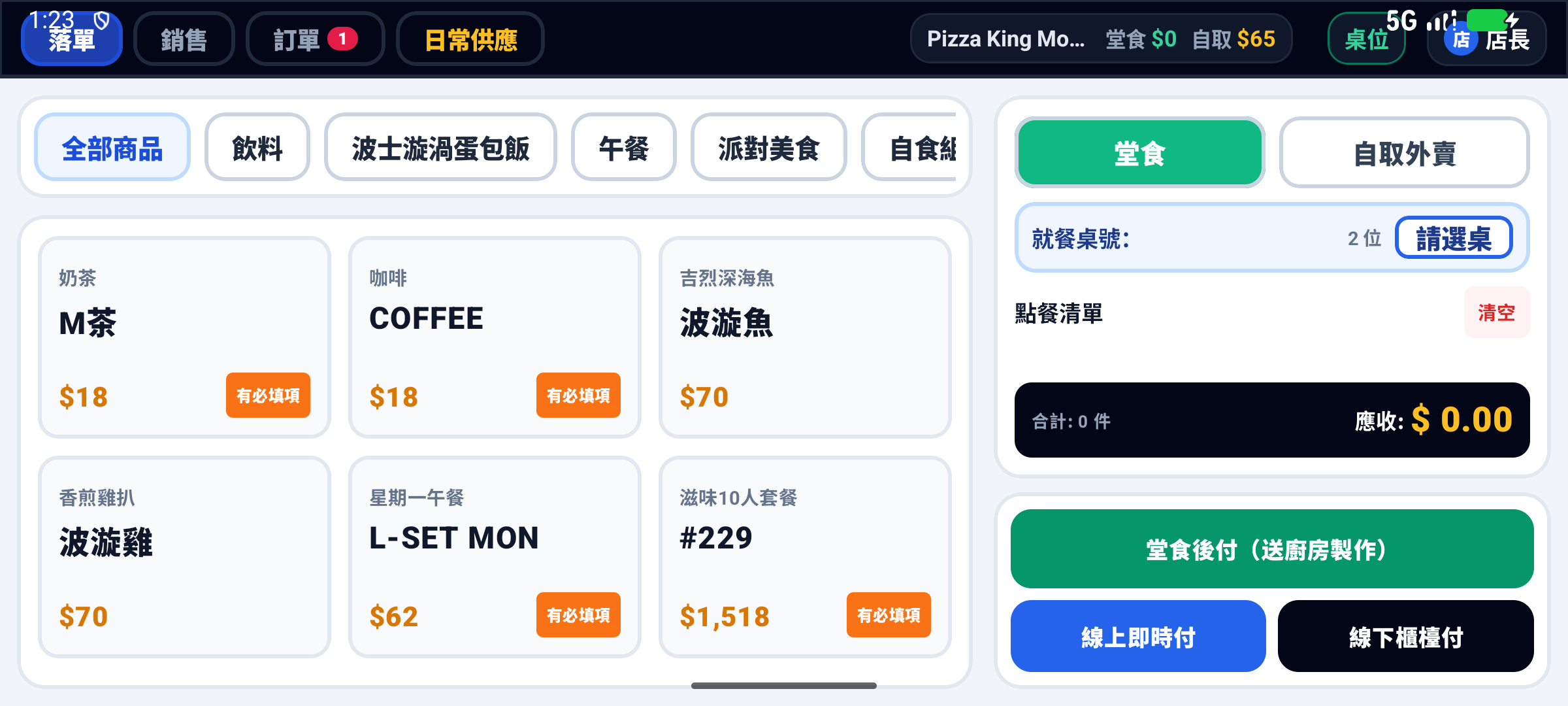
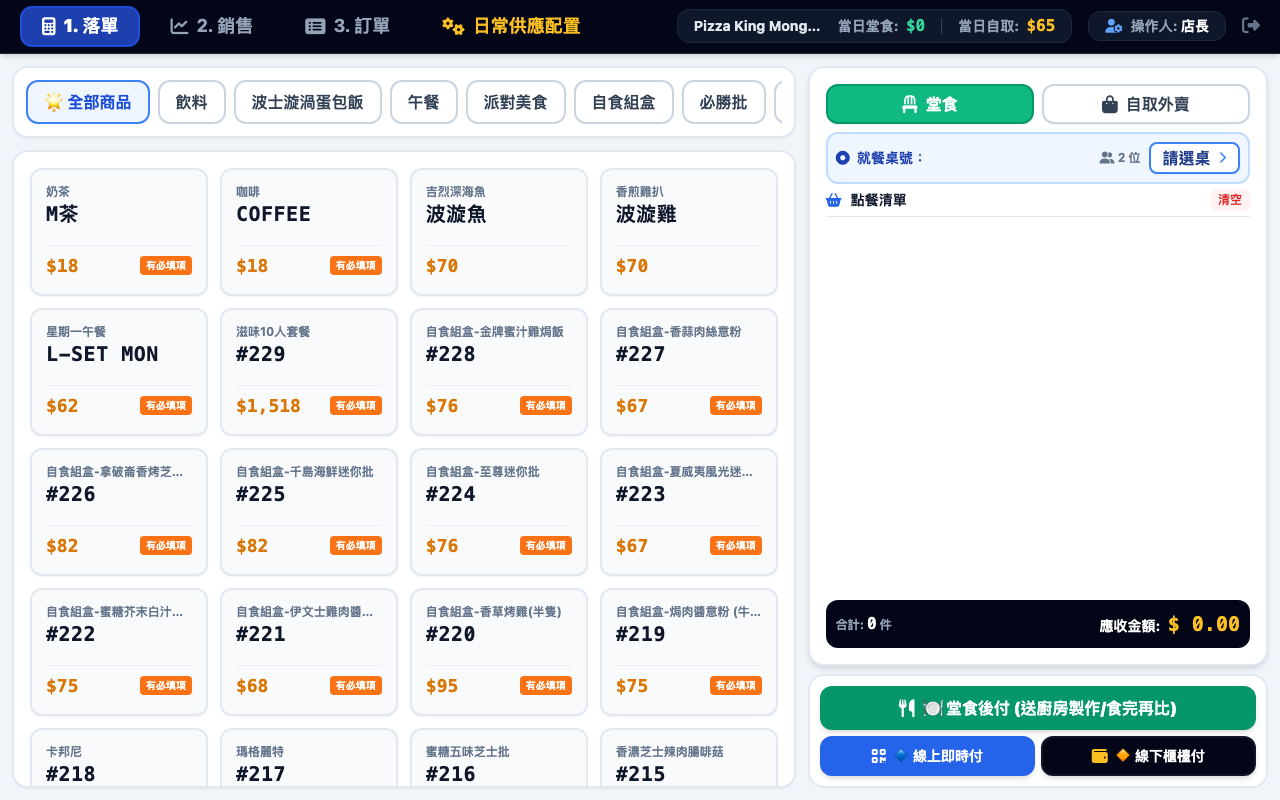
An Android-native POS: take orders, edit them, void dishes, settle the bill — all on one screen.
- Barcode scanner reads table, order and pickup codes on the spot
- Table status at a glance; clear a table and turn it instantly
- Voided-order trash bin — a slip of the finger costs nothing
- Auto-cancel and auto-complete, so closing up needs no manual checklist
Kitchen ticketing
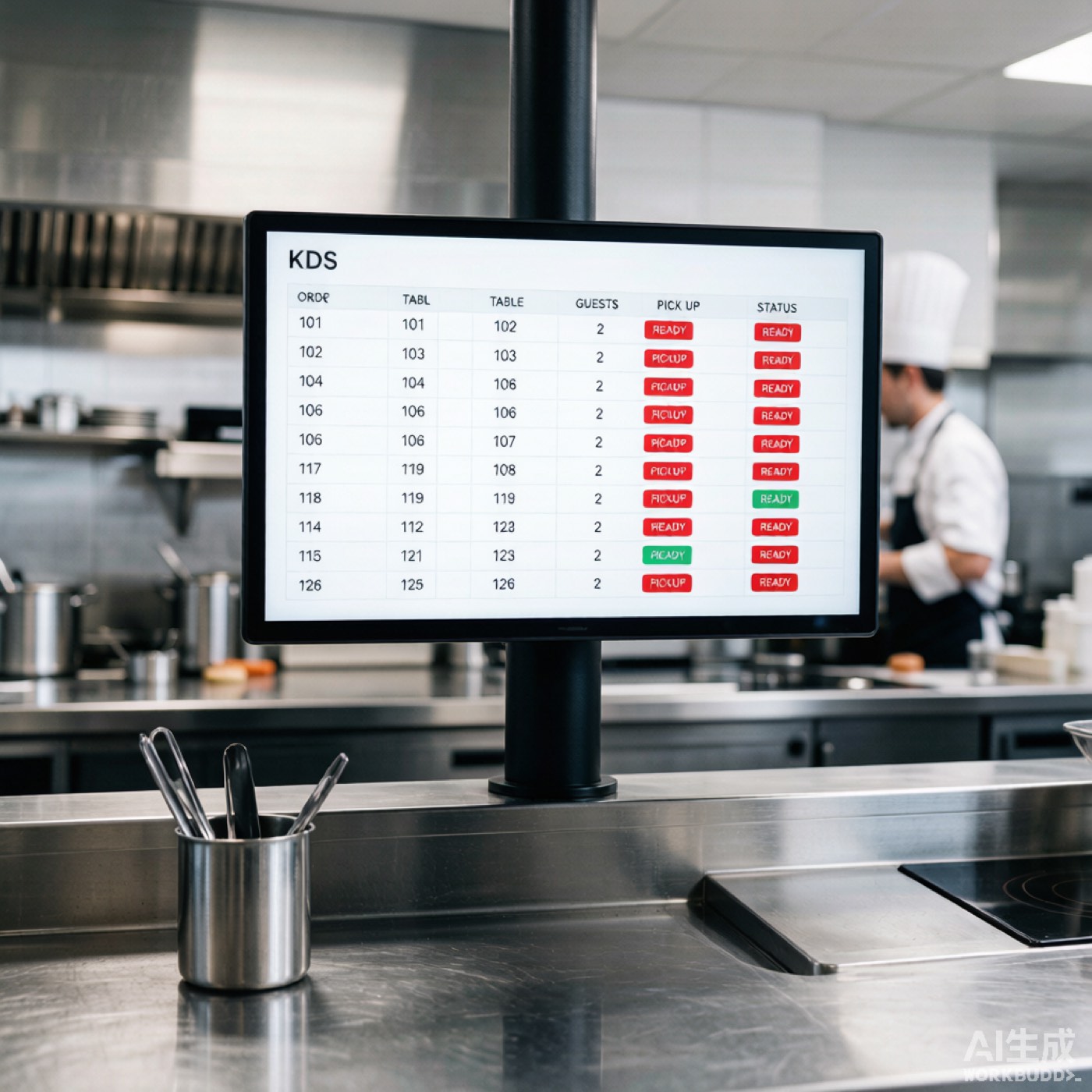
Direct link to Xiangke cloud printers, a KDS screen updating live, and split tickets routed accurately to every single dish.
- Attach dishes to multiple printers; the station is locked in at order time
- KDS queues for pending and ready items scroll in real time
- Big pickup numbers on the label printer
- Reprints and voids all logged and traceable
Store operations
86'd items, inventory, today's specials — know exactly what you sold before you close up.
- Daily stock auto-refilled; sold-out items auto-reject orders
- Low-stock alerts with a clear yellow flag
- Today's specials revert to normal price automatically the next day
- Business reports: by hour, category, payment channel, staff vs. self-service mix
Brands & multi-store
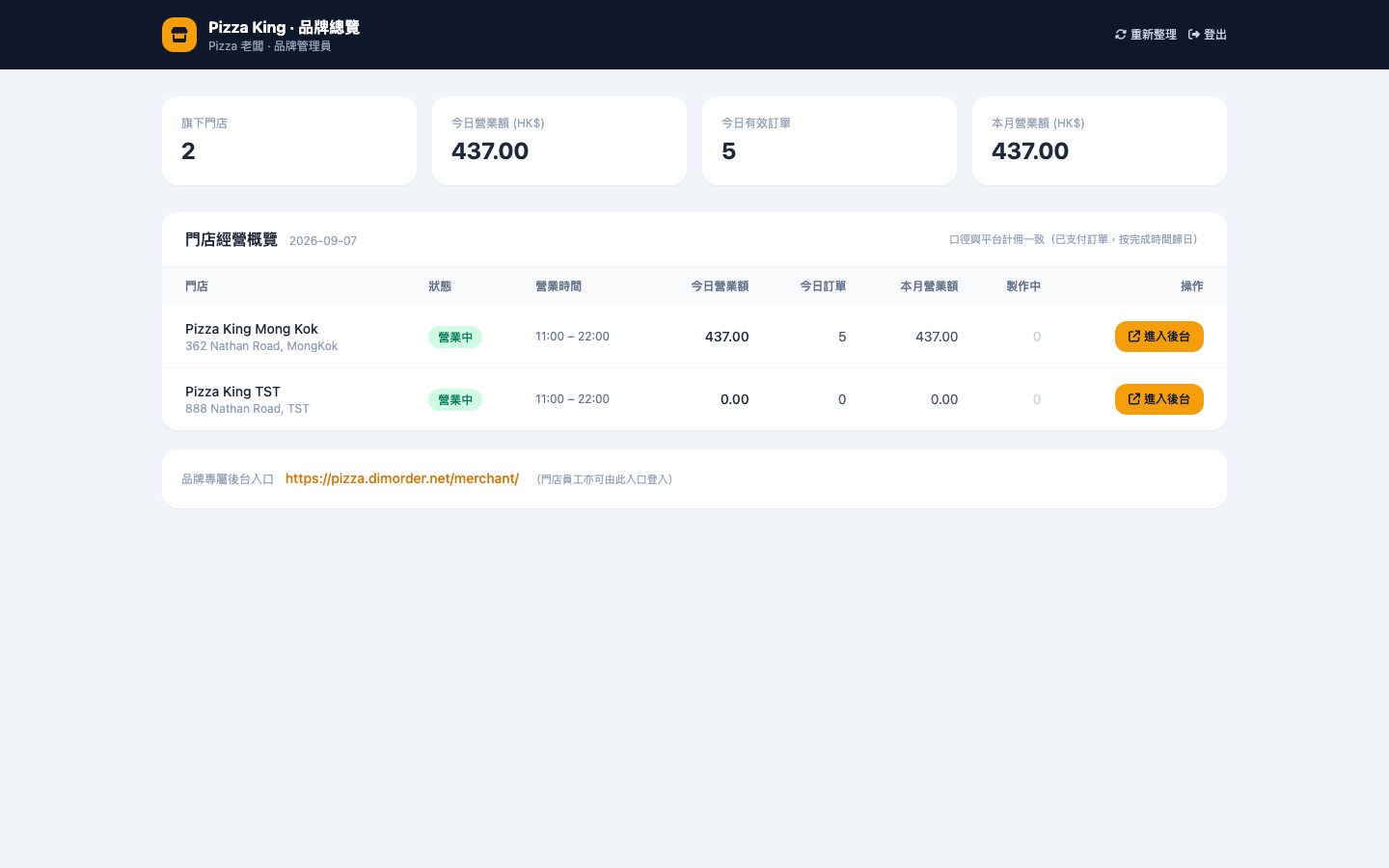
Chains get a dedicated head-office console that shows every store's day of trading in one view.
- Brand-specific Mini Program configuration
- One click into any store's back office — no pile of passwords to remember
- Store-level billing and commission reports
- Independent subdomain entry: yourbrand.dimorder.net
AI assistant
Going live used to hinge on feeding the whole menu into the system. Now a single photo from your phone gets it done.
- Menu photos / Excel / Word recognised on upload
- Hong Kong preparation styles generated automatically: no ice, less sweet, coffee away
- AI business insights — a daily numbers read for the store manager
- Interpretation shown right on the POS sales page
Whatever you serve, there's a playbook for it
Cha chaan teng run on speed, hotpot on accuracy, chains on consistency — every format hurts in a different place, so the system is configured differently for each.
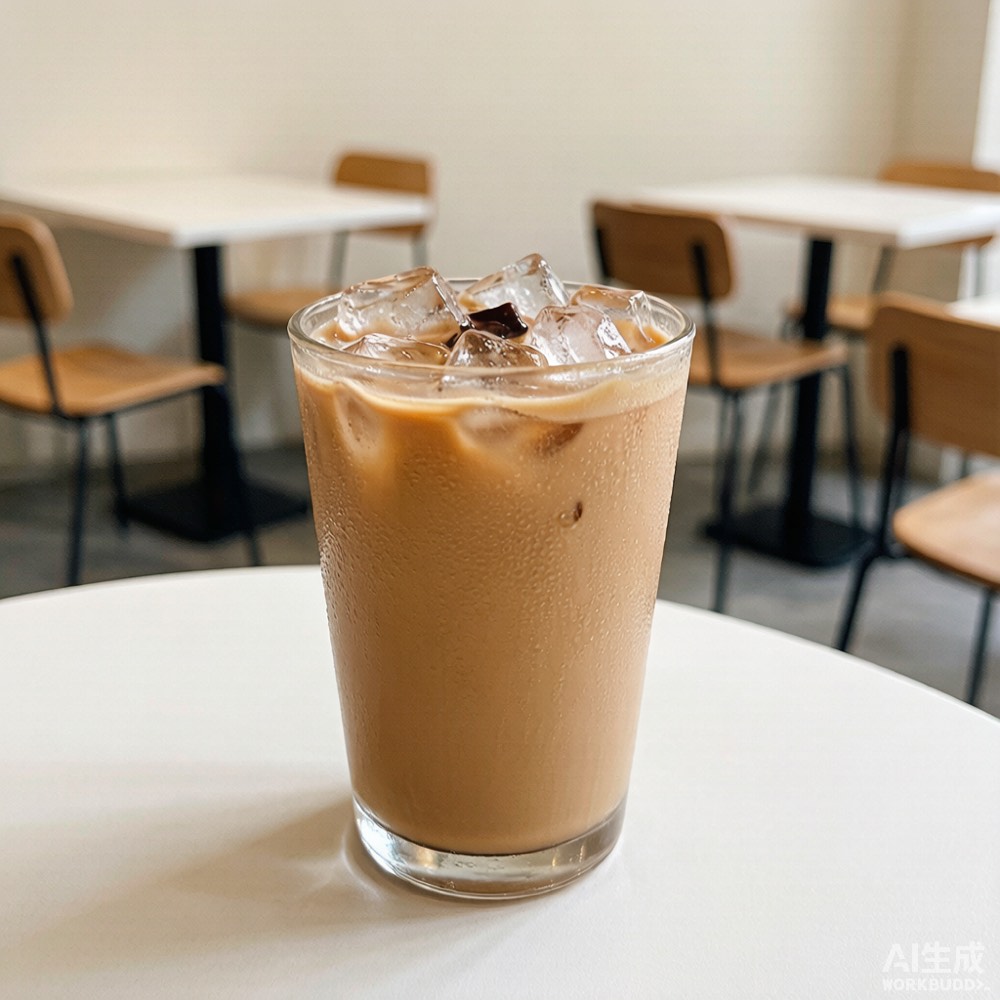 →
→
Cha chaan teng
Drink-prep axes · set-meal logic · table turnover
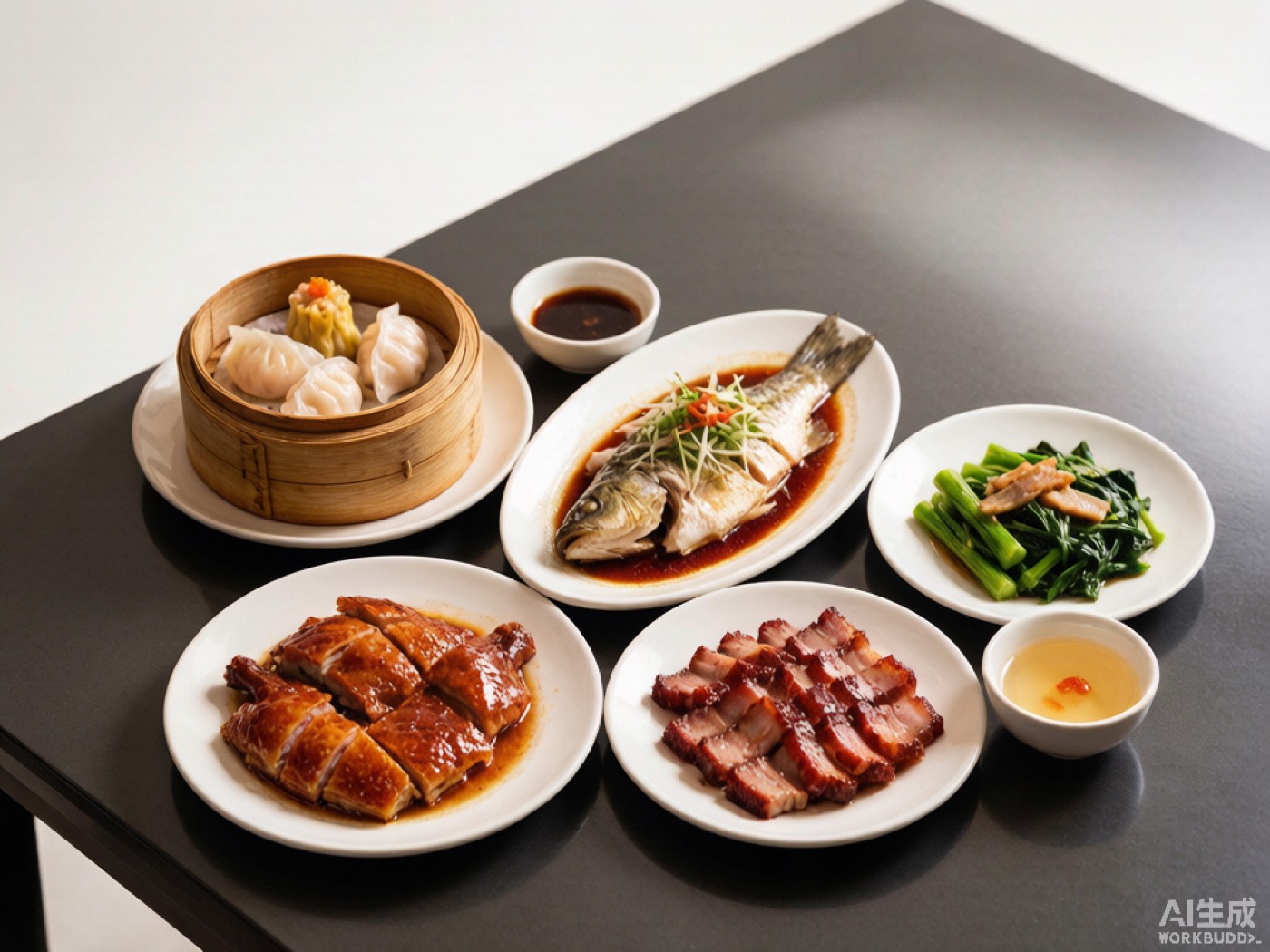 →
→
Hotpot / BBQ
At-table add-ons · per-station tickets · item counting
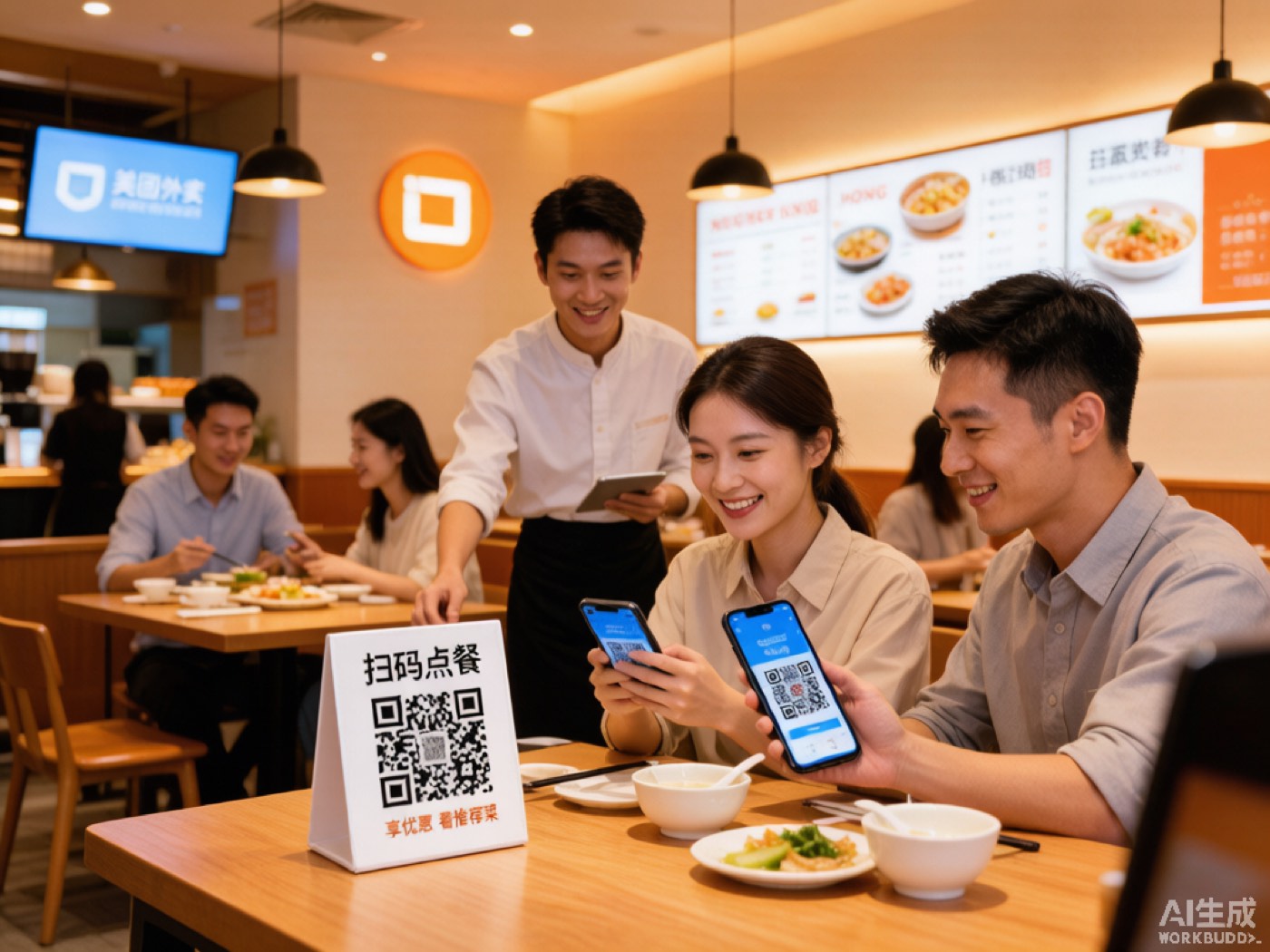 →
→
Restaurant chains
Head-office console · central menu · store reports
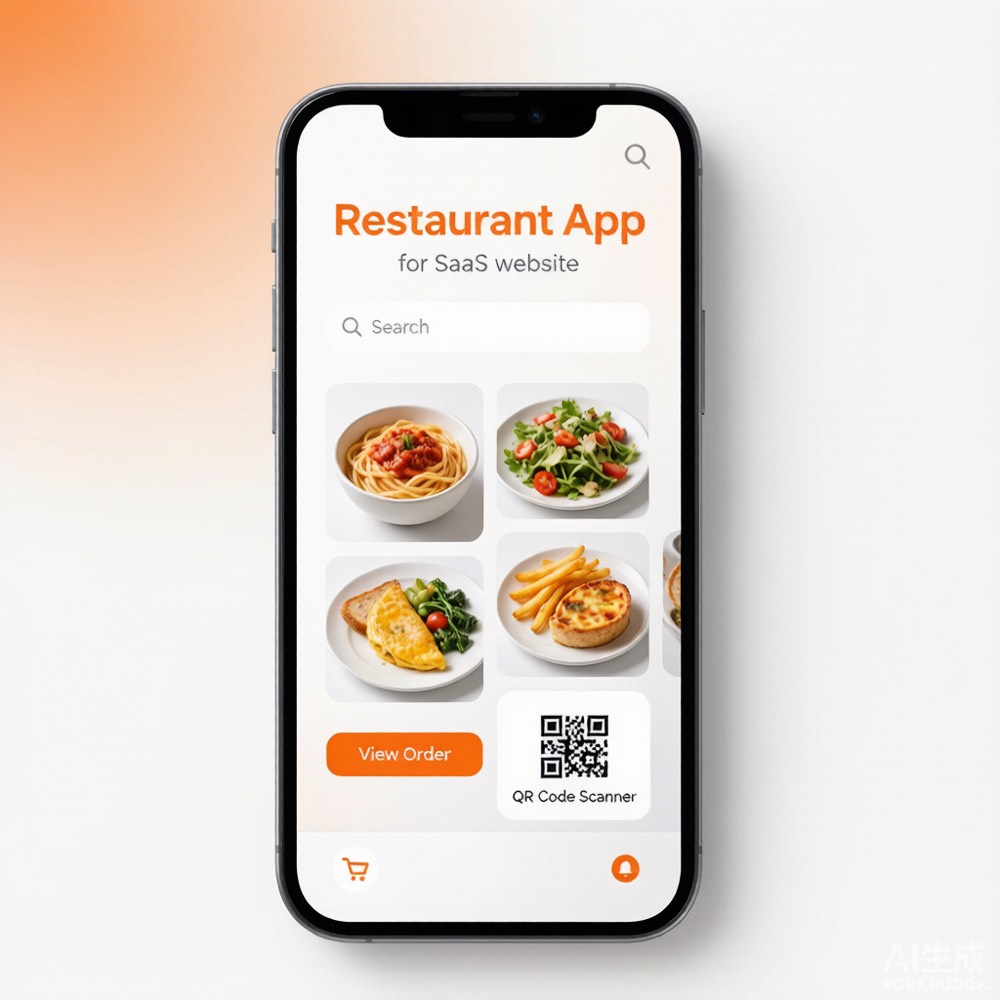 →
→
WeChat Mini Program ordering
Native experience · private traffic · WeChat Pay
 →
→
Kitchen display (KDS)
Real-time ticket routing · station binding · no missed orders
 →
→
Takeaway pickup
Separate pickup pricing · pickup numbers · big-screen calling
These are the actual product, not mock-ups
Every screenshot below is from a live system in use — ordering, the in-store screen, the brand console, the tablet POS.
30 minutes — place an order using your own menu
Bring a photo of your menu: we'll import it with AI on the spot, scan and order live, and watch the kitchen tickets print in front of you.
Book a demo (free — see it working before you commit)